This thread's last reply is from June 5, 2009, 2:45 AM UTC. Software, malware, and removal-tool
advice below may be out of date — treat specific steps and download links with caution.
 NonSuch
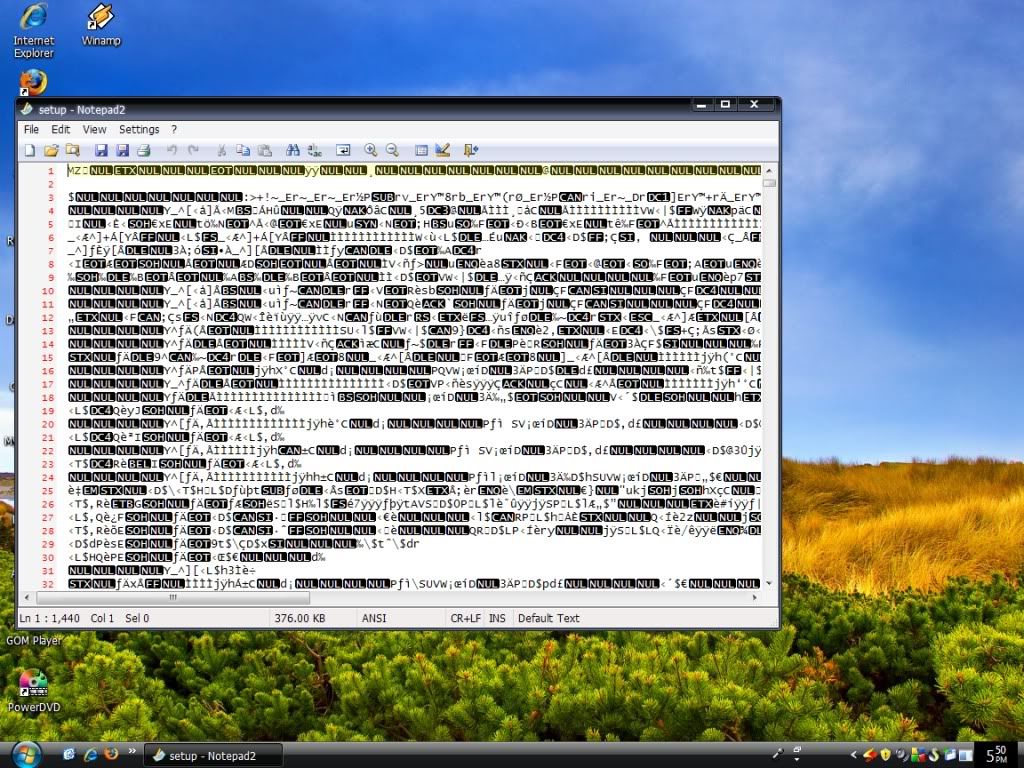
It appears that what you are probably experiencing may likely be "file association" issues, e.g., a file type (or types) is being associated with a particular program that cannot correctly execute or display that file type. In your case, Notepad has been incorrectly told to execute or display files that it is not designed to execute or display. Therefore, you get a display of gibberish instead of the expected action.
From your screenshot, it appears that your operating system is Windows Vista. Therefore, I suggest that a fix for your problem, if it is indeed a file association problem, may likely be found here:
http://www.winhelponline.com/articles/105/1/File-association-fixes-for-Windows-Vista.html
If that does not work for you, then you may have better luck posting for help at a site that hosts a general troubleshooting forum such as WhatTheTech:
http://forums.whatthetech.com/forums.html